 Snappixify


YouTube Video-to-Text Converter
Stop watching. Copy or Download Transcripts Instantly in SRT, VTT, or TXT. The Smartest Way to Save Time, Repurpose Content, and Boost Productivity
- English
- SRT
How it works?
-
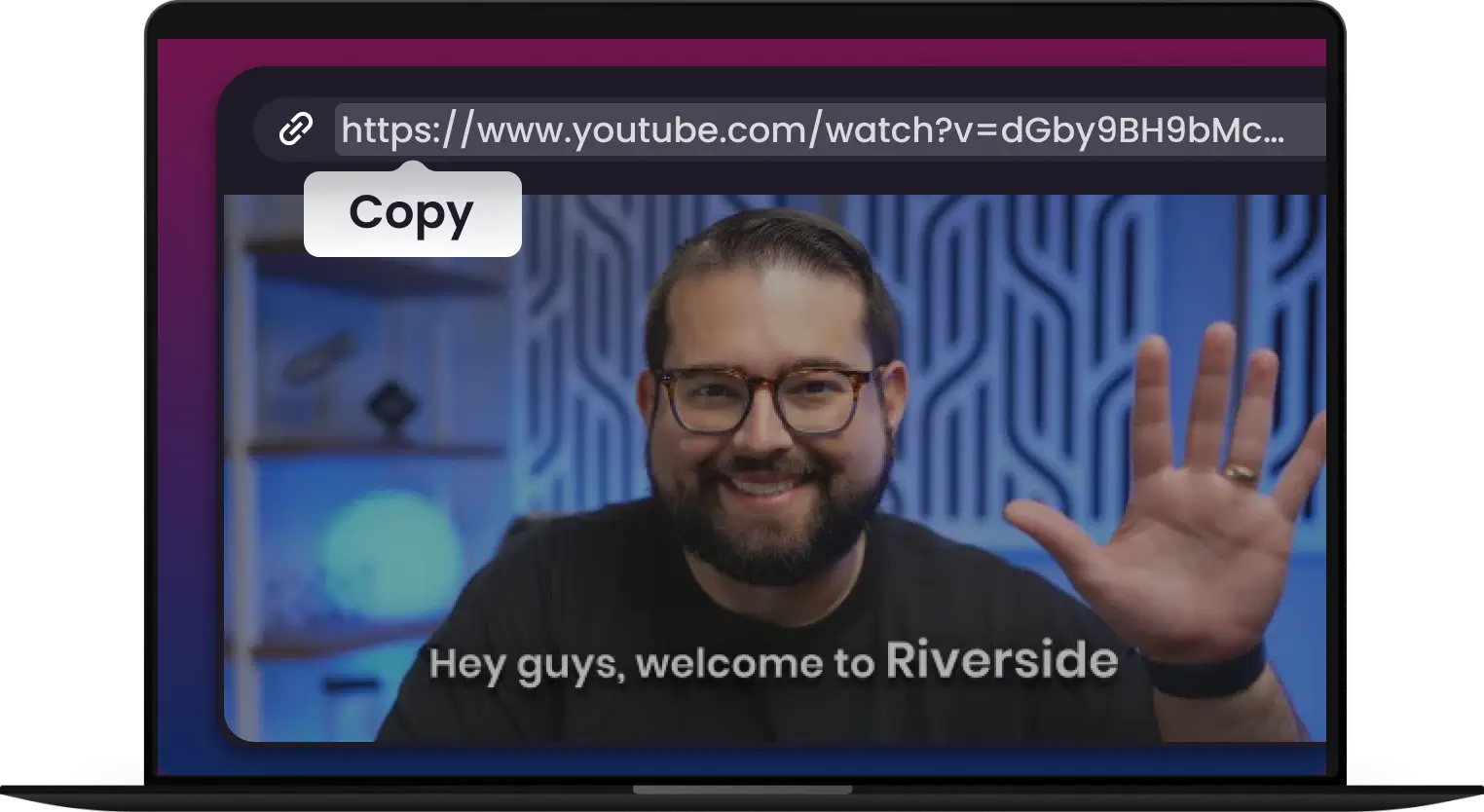
1.
Copy the Video Link
Find and copy YouTube video URL from your browser‘s address bar
-
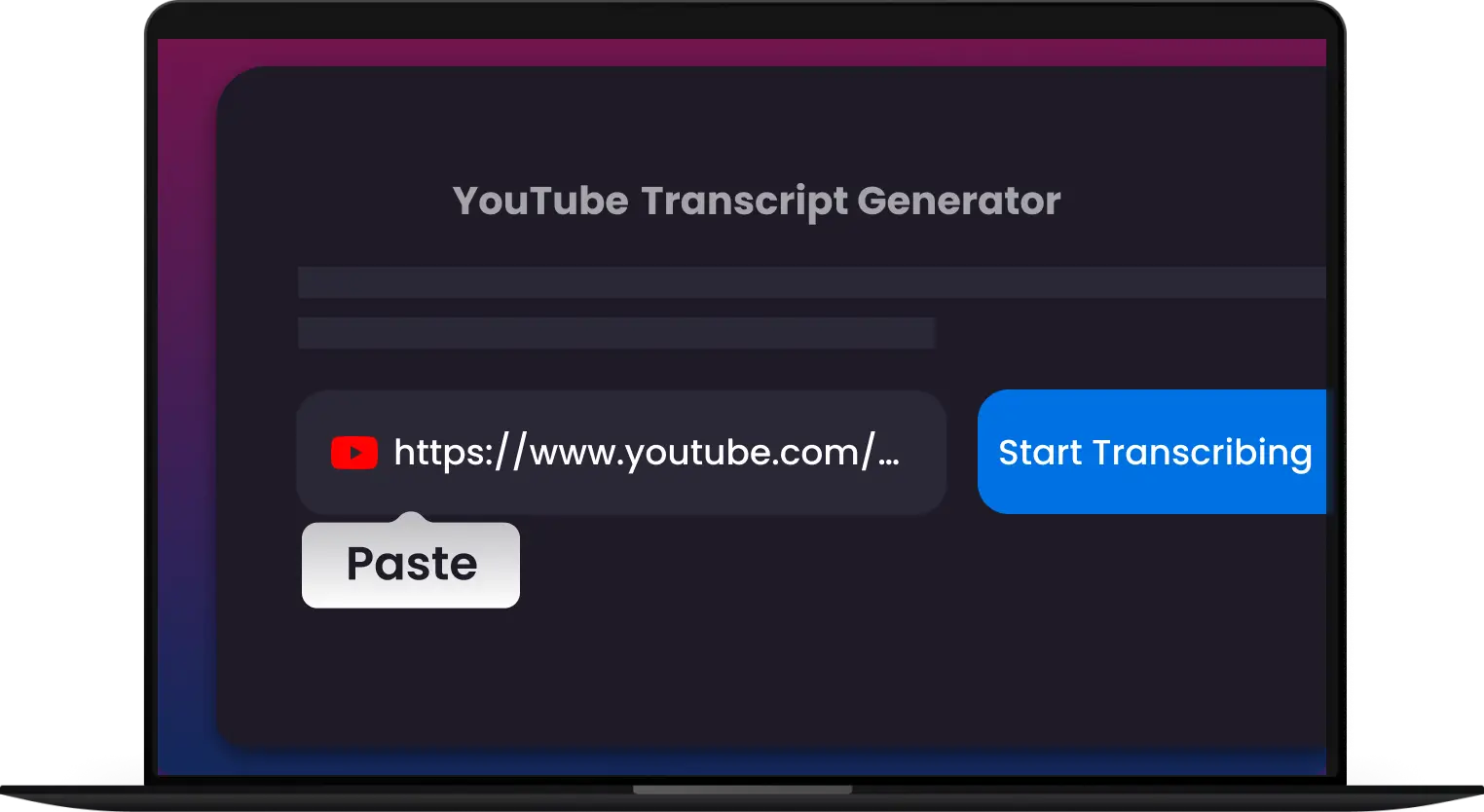
2.
Paste the Link
Paste the video link into Snappixify YouTube Transcript input box below
-
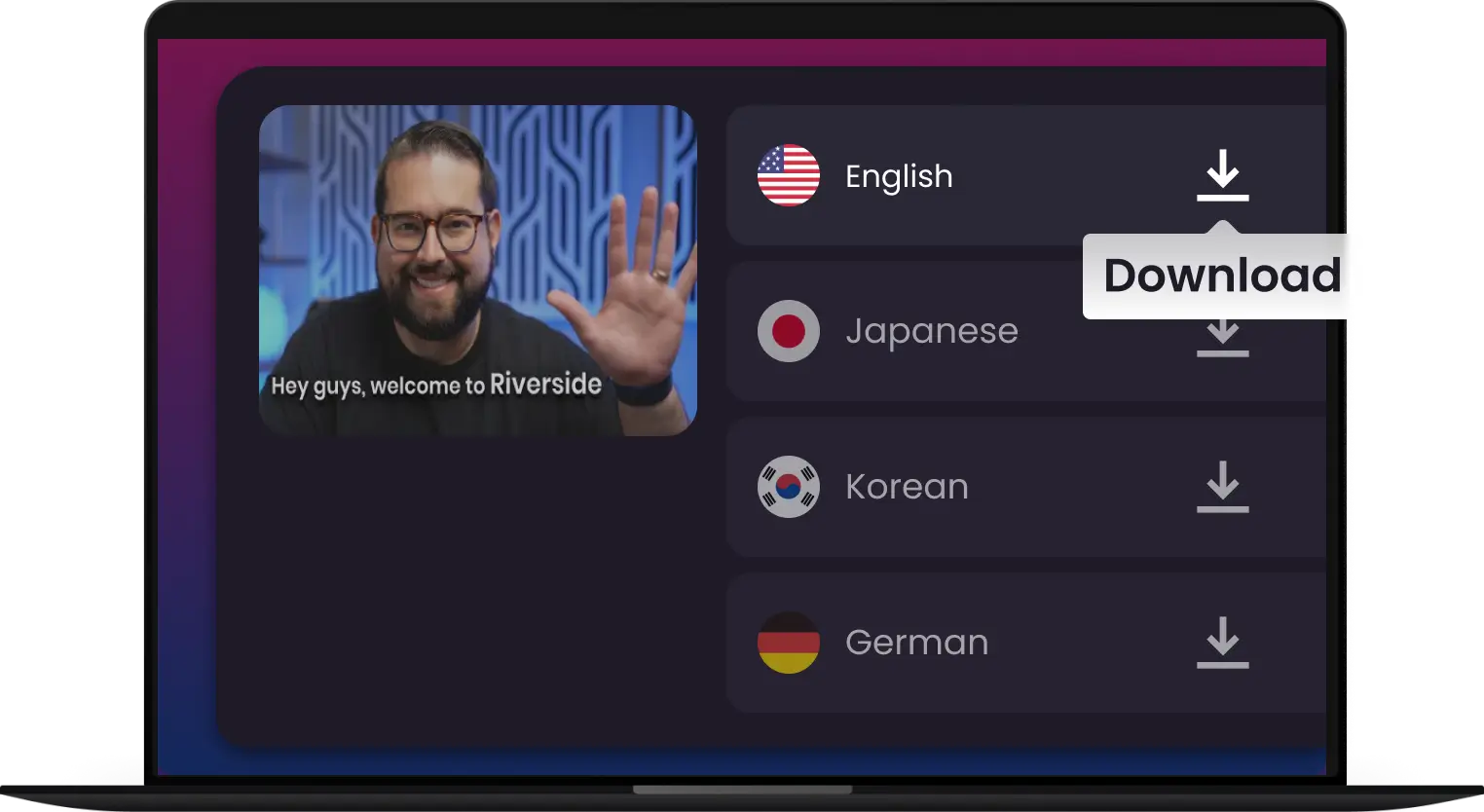
3.
Transcribe & Save
Chose your desired language and click "Transcribe"
Extract Smarter. Save Time. Work Faster.

Instant Extraction
Convert YouTube video to text instantly. Fast, Accurate, and Downloadable. Get full transcripts in seconds — no waiting.

Supports All Public Videos
Extract subtitles, captions & transcripts from any public video. Get the data, insights, or content you need - all channels, all topics.

Editable Text
Instantly turn the video transcript into editable text. Copy, search, or refine your content the way you need.

Click, Copy, Done.
One click is all it takes to get your transcript instantly. Then, you can save, share, or reuse it however you need.

Summarzied by AI
Turn long transcripts into concise, clear summaries. Perfect for creating quick notes, blog posts, or social media content.

No Installation Needed
Use directly from your browser without downloading or installing anything. Works perfectly on Chrome, Safari, Edge, and Firefox.
Instant Extraction
Editable Text
Summarzied by AI
Convert YouTube video to text instantly. Fast, Accurate, and Downloadable. Get full transcripts in seconds — no waiting.
Instantly turn the video transcript into editable text. Copy, search, or refine your content the way you need.
Turn long transcripts into concise, clear summaries. Perfect for creating quick notes, blog posts, or social media content.
Supports All Public Videos
Click, Copy, Done.
No Installation Needed
Extract subtitles, captions & transcripts from any public video. Get the data, insights, or content you need - all channels, all topics.
One click is all it takes to get your transcript instantly. Then, you can save, share, or reuse it however you need.
Use directly from your browser without downloading or installing anything. Works perfectly on Chrome, Safari, Edge, and Firefox.
-
![Convert transcript to srt]()
YouTube to Text: Get Instant Transcripts
Ever needed the text from a YouTube video? Snappixify YouTube Transcript online makes it easy. Simply paste a YouTube link and get an instant, accurate transcript.
Transcribe for YouTube -
![Save time and unlock insights]()
Unlock Key Insights to Simplify Your Workflow
Stop wasting time with long videos. Snappixify helps you get straight to the point by turning any YouTube video into a searchable transcript. Quickly find the information you need, save key moments, and get the full context of a video in seconds.
Unlock Key Insights -
![Timestamped breakdowns]()
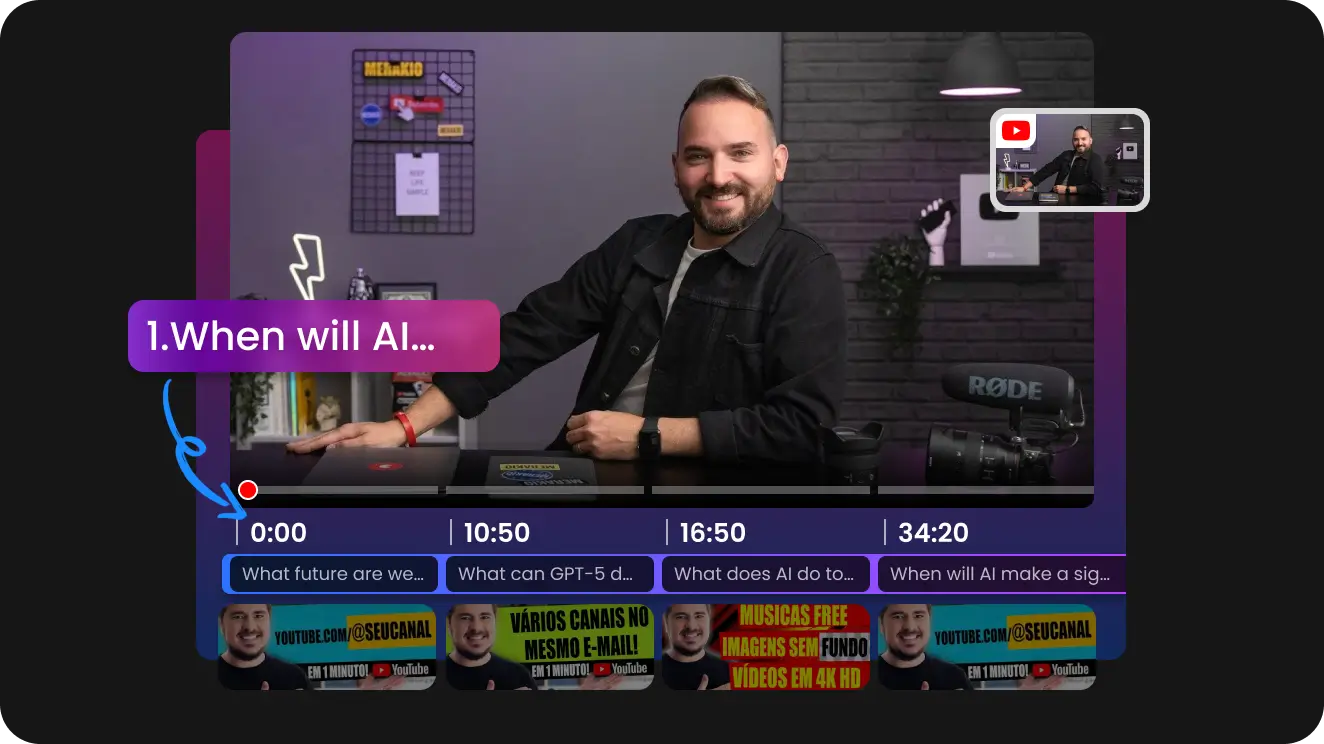
Navigate Videos with Timestamped Breakdowns
Skip to the exact moment you need. Our tool provides a timestamped transcript, turning any video into a navigable document. Click on a specific line of text to instantly jump to that point in the video.
Transcribe for YouTube -
![Get video summaries by AI]()
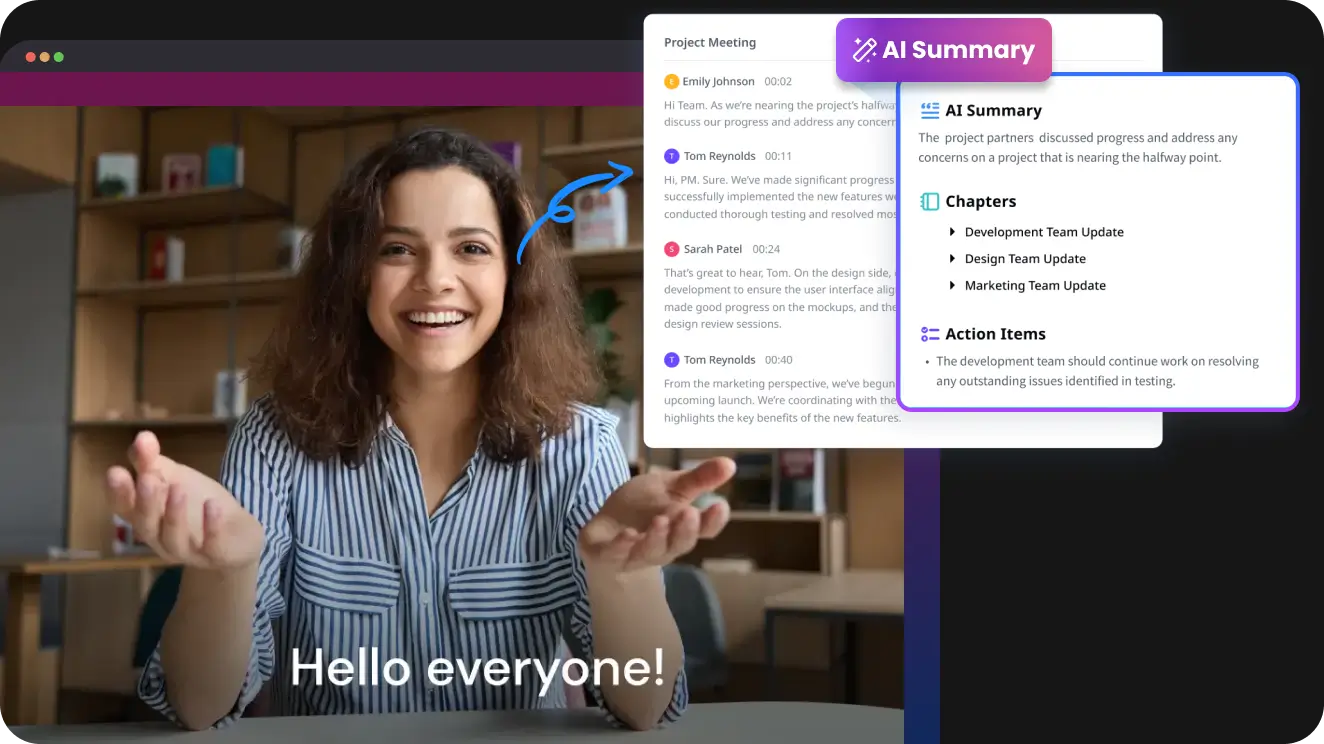
The Easiest Way to Get Video Summaries
Don't have time to watch a long video? Our tool gives you a concise, AI-powered summary of any YouTube video in seconds. Get the key takeaways, main points, and essential information without the time commitment.
Start Summarizing
Any Vide to Text - Powered by AI
-
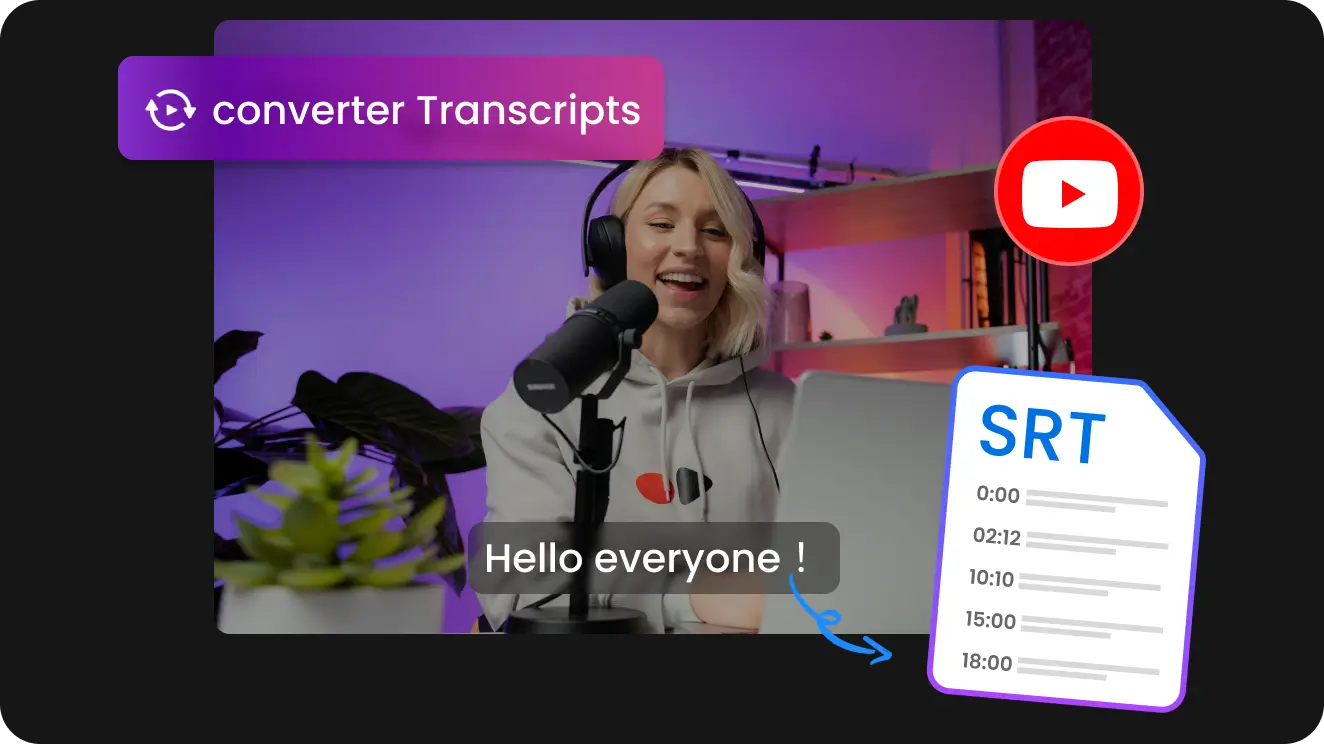
Turn any YouTube video into text in seconds to Save time and enhance your workflow
-
Perfect for summaries, notes, and content repurposing
-
Easily analyze, edit, read and search, etc.

From Transcript to Impact: The Many Uses of a YouTube Transcript

-
![Students or Professors]() Smart Learning Starts Here
Smart Learning Starts HereStudents or Professors
Summarize lengthy YouTube lectures, tutorials, or documentaries. Create easy-to-review notes, fact-check topics, and share transcripts to make learning smarter.
-
![Youtubers]() AI Voice Dubbing to recreate Videos
AI Voice Dubbing to recreate VideosYoutubers
Use AI voices to localize your YouTube content, creating multilingual videos. Share your message worldwide, break language barriers, and multiply your viewers with ease.
-
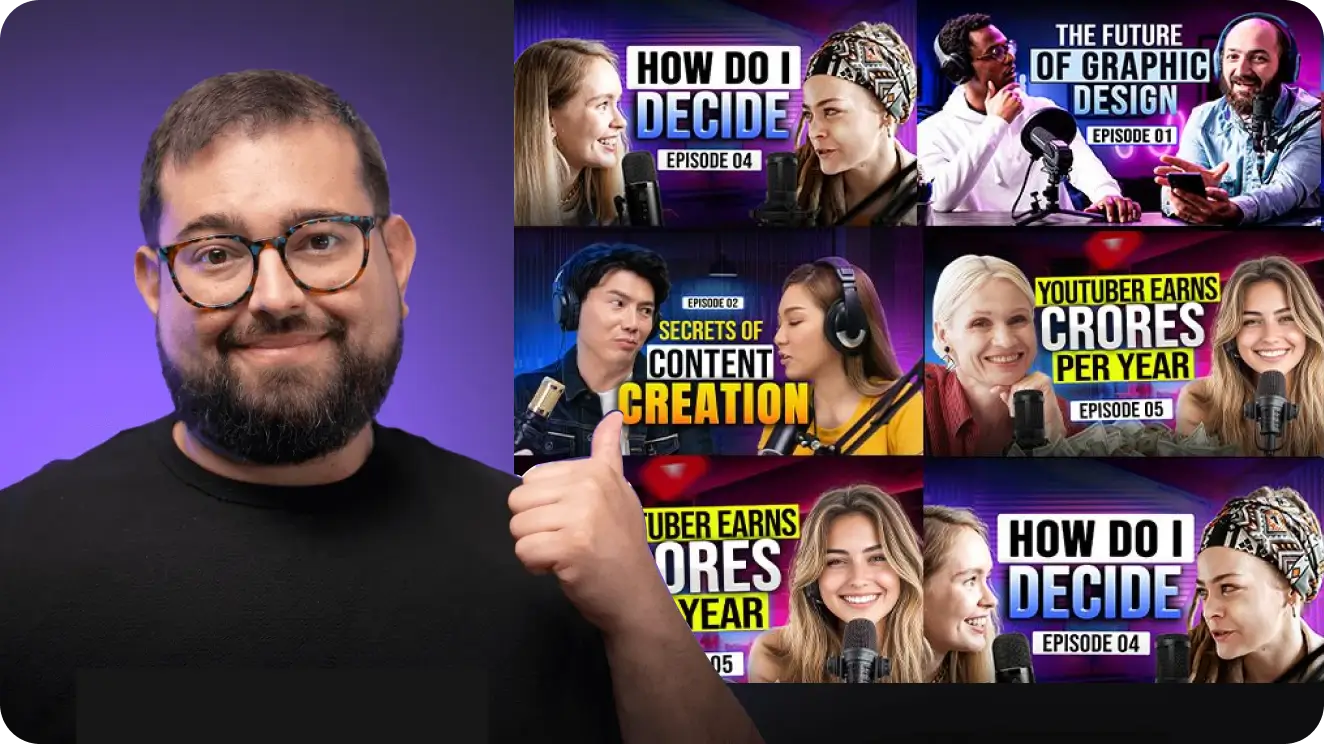
![Marketers]() Transcripts: More Than Just Words
Transcripts: More Than Just WordsMarketers
Accurate transcripts give your videos a powerful SEO boost. By pairing keywords to your video content, transcripts help you rank higher in search results.
-
![Content Creators]() Repurpose and Expand Your Content
Repurpose and Expand Your ContentContent Creators
Don't let your YouTube videos stay on just one platform. Let Snappixify helpyou repurpose YouTube videos effortlessly across multiple platforms with accurate and subtitles.



RECOMMENDED BY




Frequently Asked Questions
How to get transcript of YouTube video?
How long does it take to transcribe a YouTube video?
Can I transcribe videos in different languages?
What file formats can I download my transcript in?
Why does my YouTube video not have a transcript?
Is there an easy way to get a youtube video transcript?
How to remove timestamps from any transcript - YouTube?
How do I label speakers in my transcript?
Are YouTube's built-in transcripts always accurate?
Turn YouTube Videos into Transcripts Instantly


